This is the classic theme

After applying Preview Theme the gmail will look like this
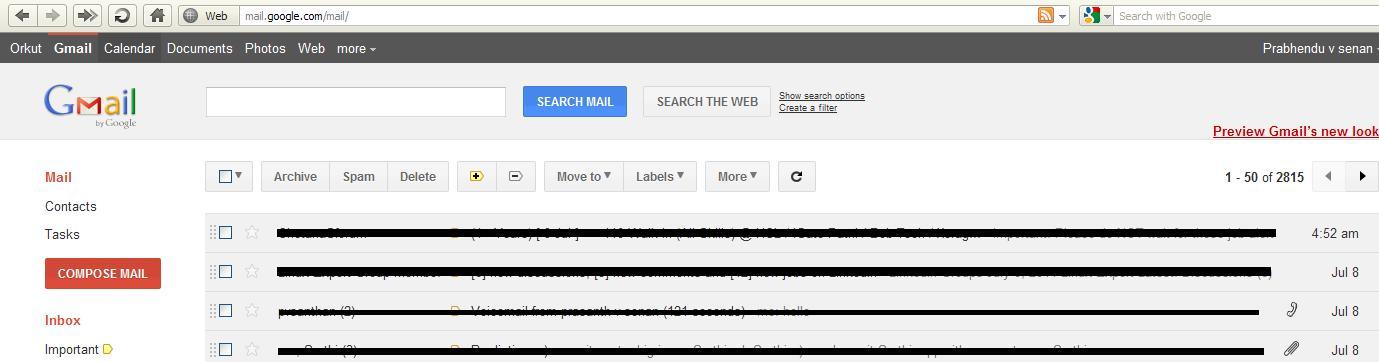
As you can see there is significant difference in displaying messages.They had changed the line spacing between the mails and advertisements now displayed on the bottom rather than top.To know more about the Preview theme go to http://gmailblog.blogspot.com/2011/06/preview-of-gmails-new-look.html
To activate the Preview theme go to
Mail settings ->Themes Tab->Select Preview or Preview(Dense)..its done

No comments:
Post a Comment